
Find that one image, instantly,
among 64,855.
Combine tags for character traits and situations — yukata × ponytail — and narrow the results. Even with tens of thousands of images sitting in date-named folders, you can get straight back to the one you remember.
57-second walkthrough
Find it, compare it — the whole flow in 57 seconds.
Combine tags to narrow the results, then compare them in a slideshow. This is the real Kujaku workflow, recorded as-is.
One image leads to the next.
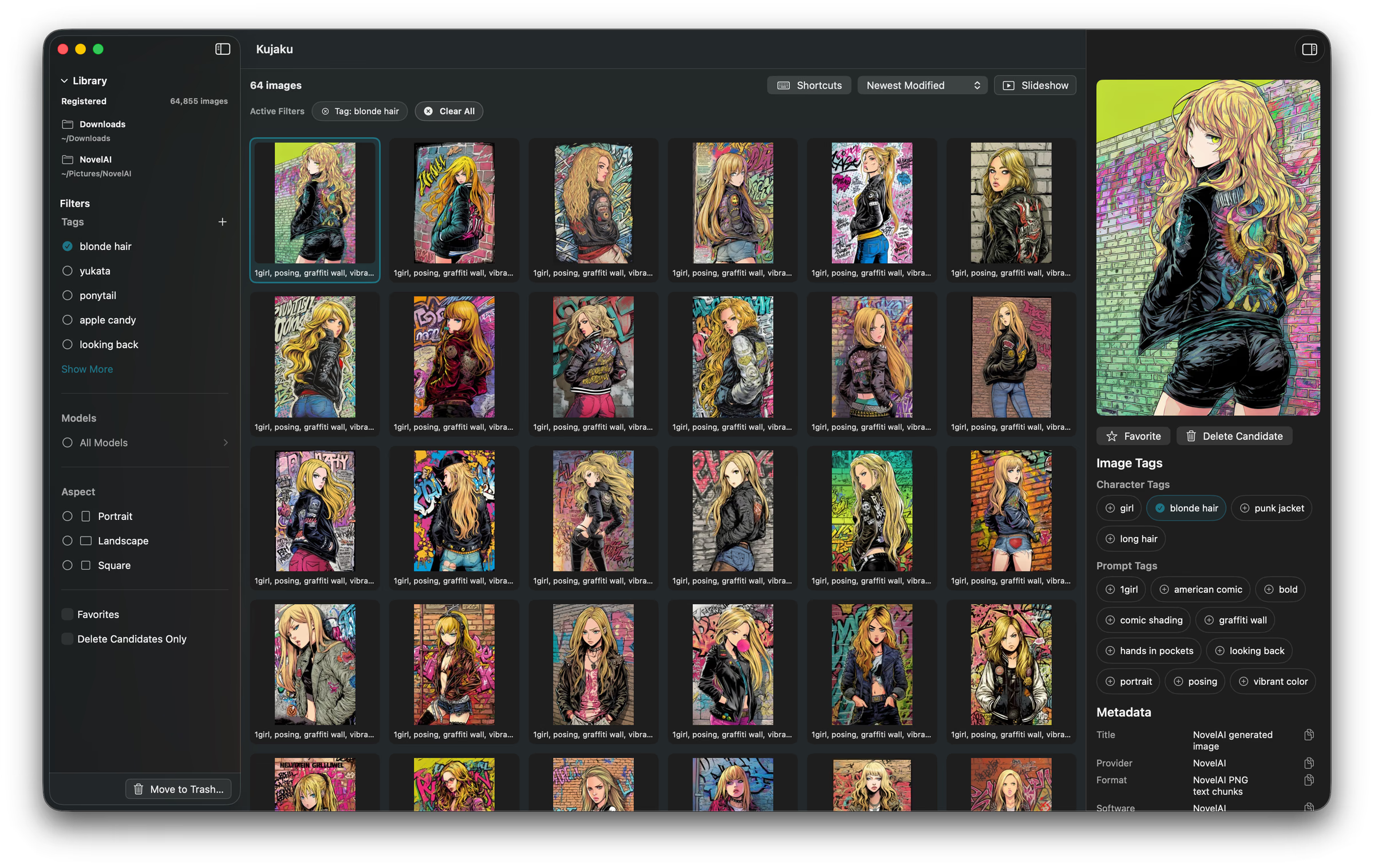
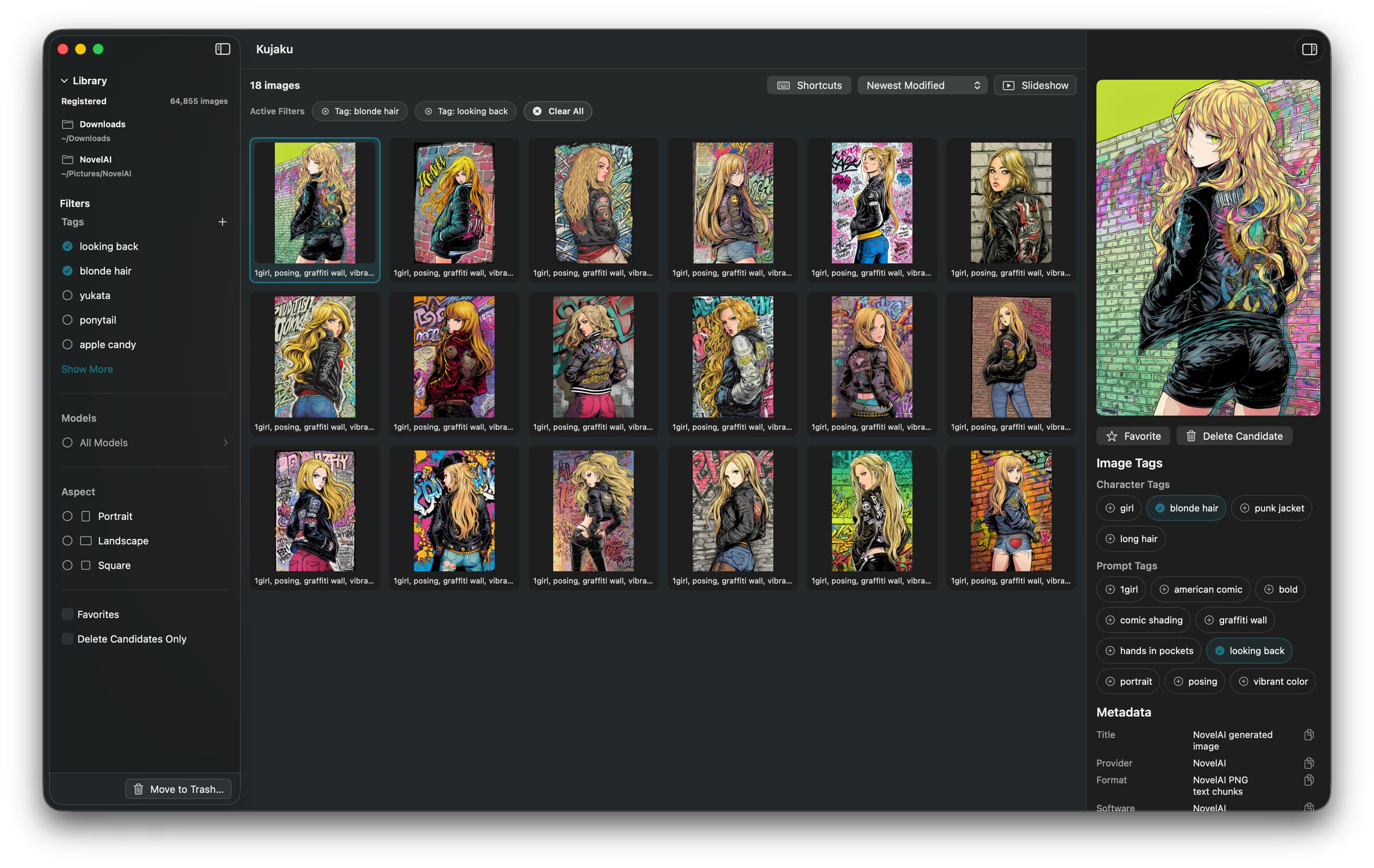
Select an image and its tags line up beside it. Click one to add it to the filter — from 64 images tagged blonde hair, add looking back and 18 remain. Search by following the chain.
Filtered by blonde hair — 64 images
Click looking back on the image — 18 images
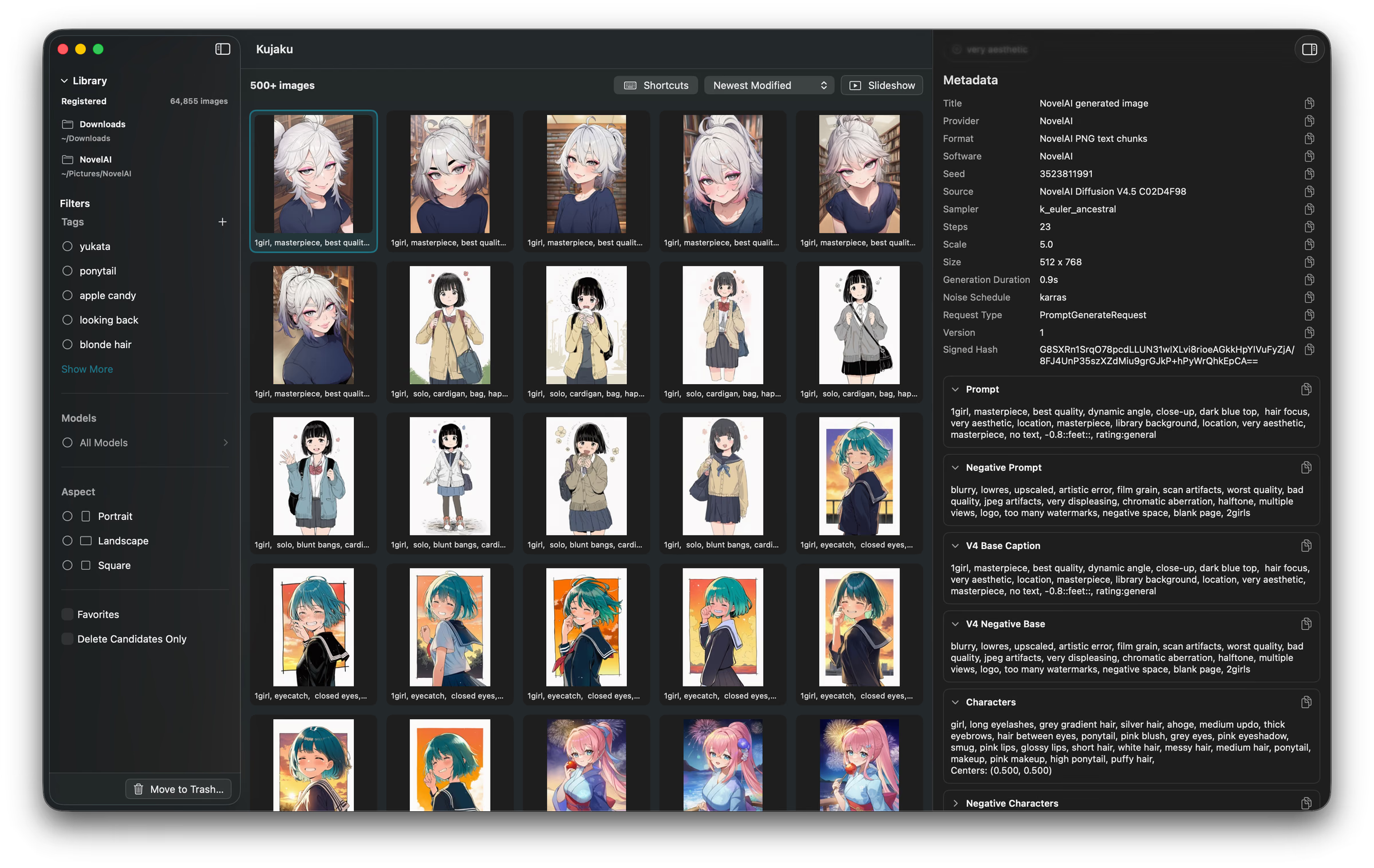
The prompt and settings, right there.
See the full prompt and the generation settings — seed, sampler, steps — for any image you select. Every field copies with one click, ready for your next generation.
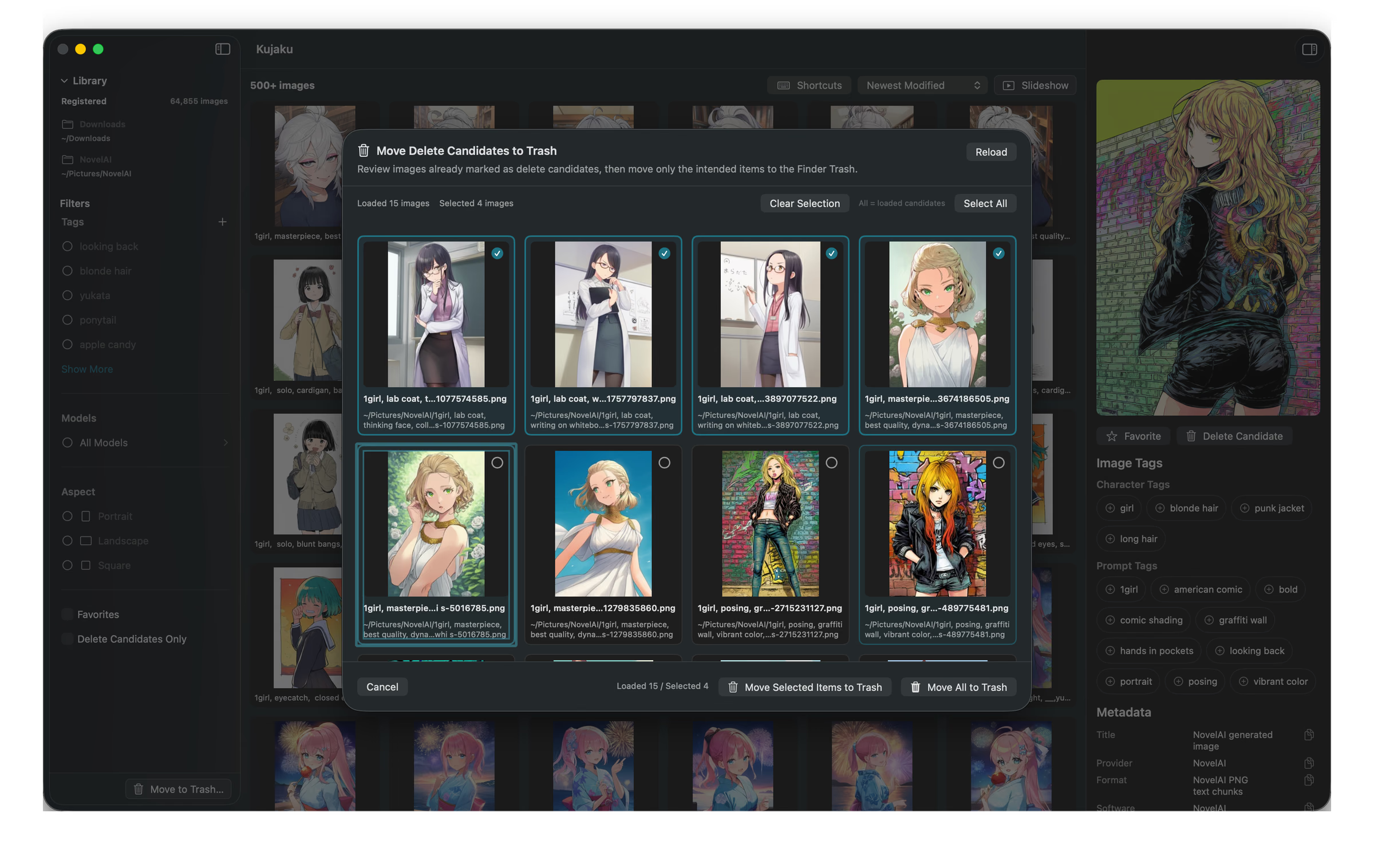
Delete later, after a second look.
Mark images as delete candidates first — nothing is removed on the spot. Review the candidates together later, and move only the ones you choose to the Trash.
Two guarantees
Not a single image is ever
uploaded, anywhere.
Filtering and previews happen entirely on this Mac. No image is ever sent over the network.
No account, no cloud sync. Your folder stays exactly where it is, on your Mac.
Nothing is ever copied,
or moved.
Your folder stays exactly where it is — Kujaku reads and indexes it in place. Register tens of thousands of images, and your storage use won't double. (It only creates a search index and a lightweight thumbnail cache.)
Since nothing leaves its original location, it stays compatible with however you already organize files in Finder or elsewhere.
Sit back and watch it as a slideshow.
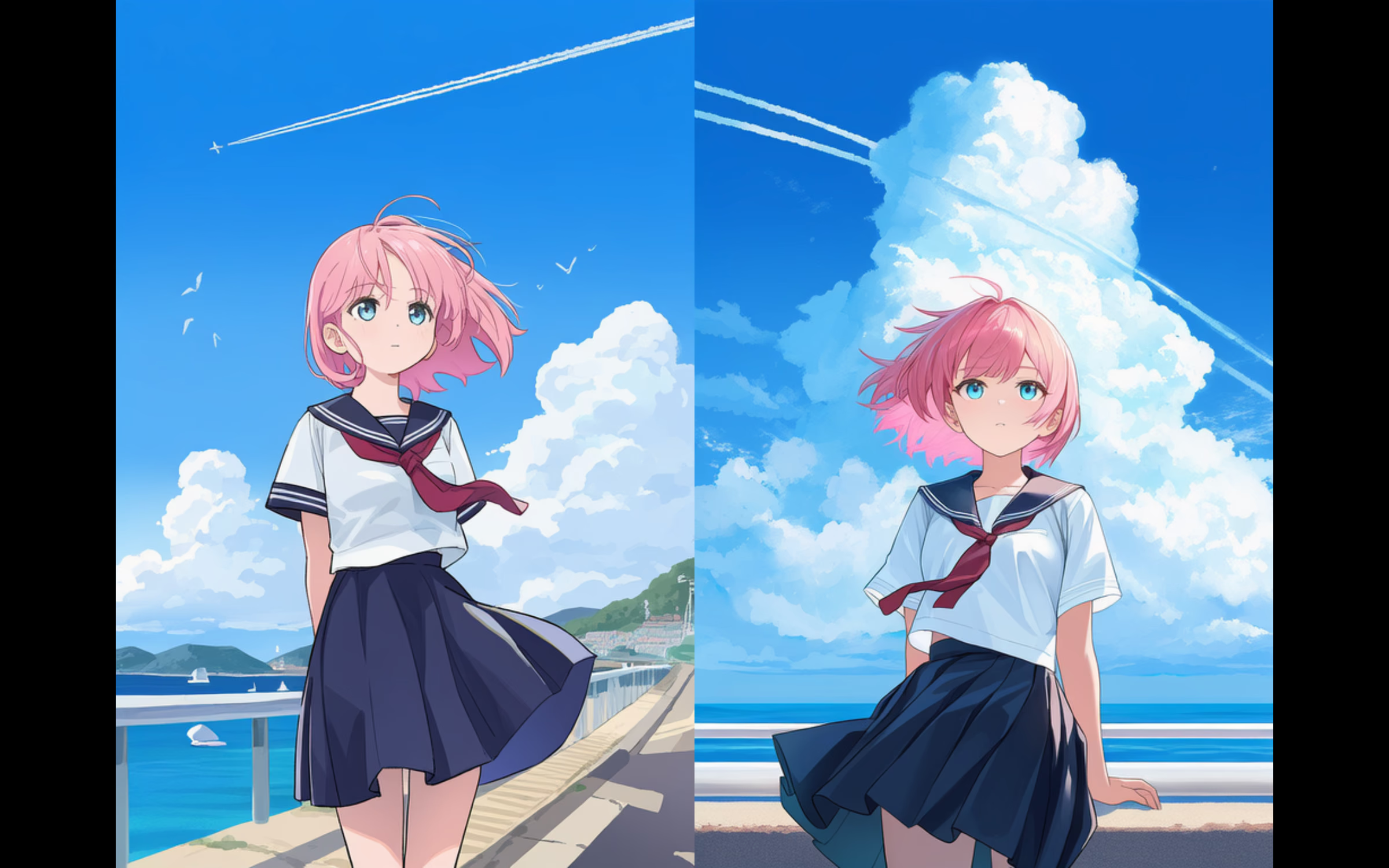
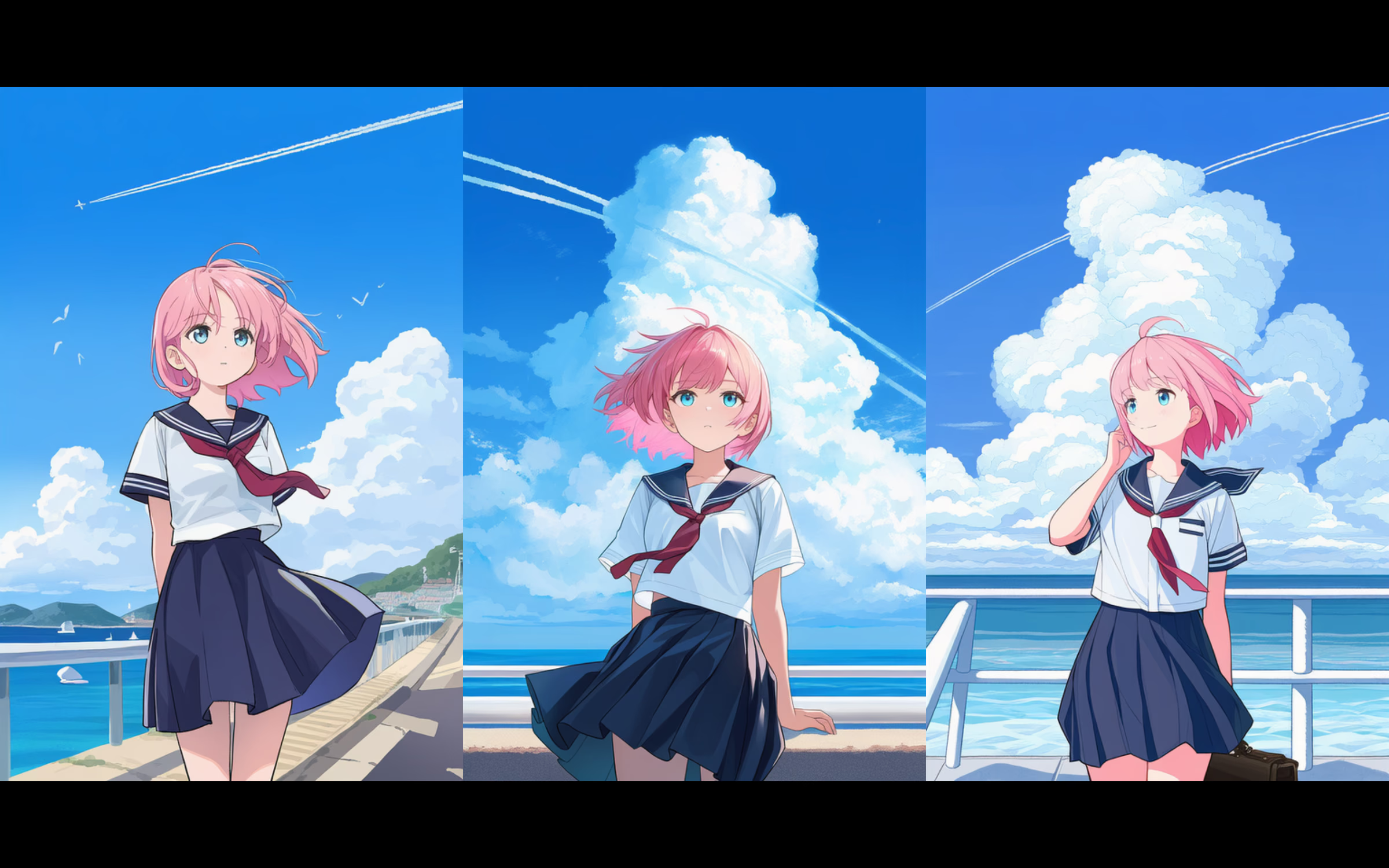
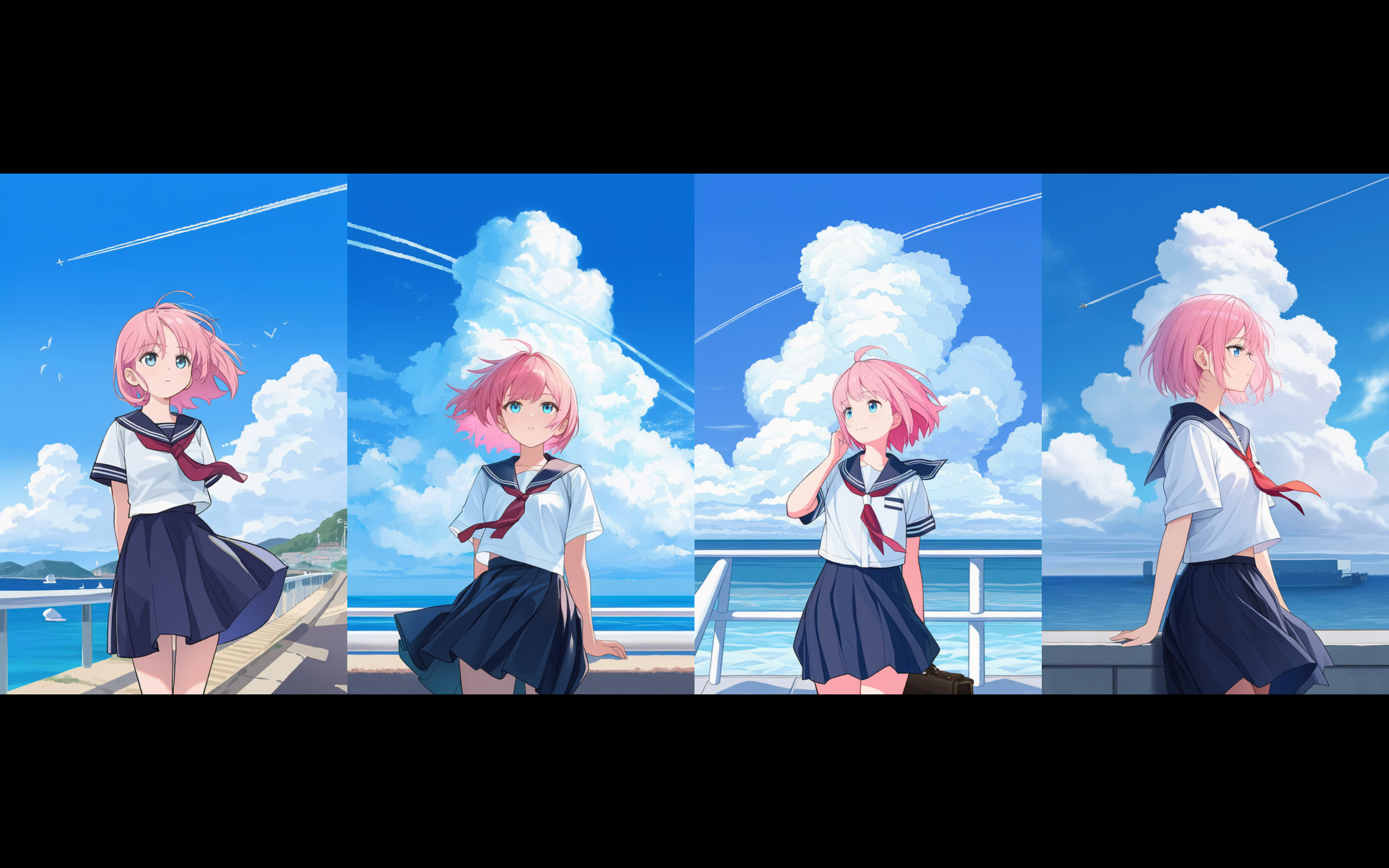
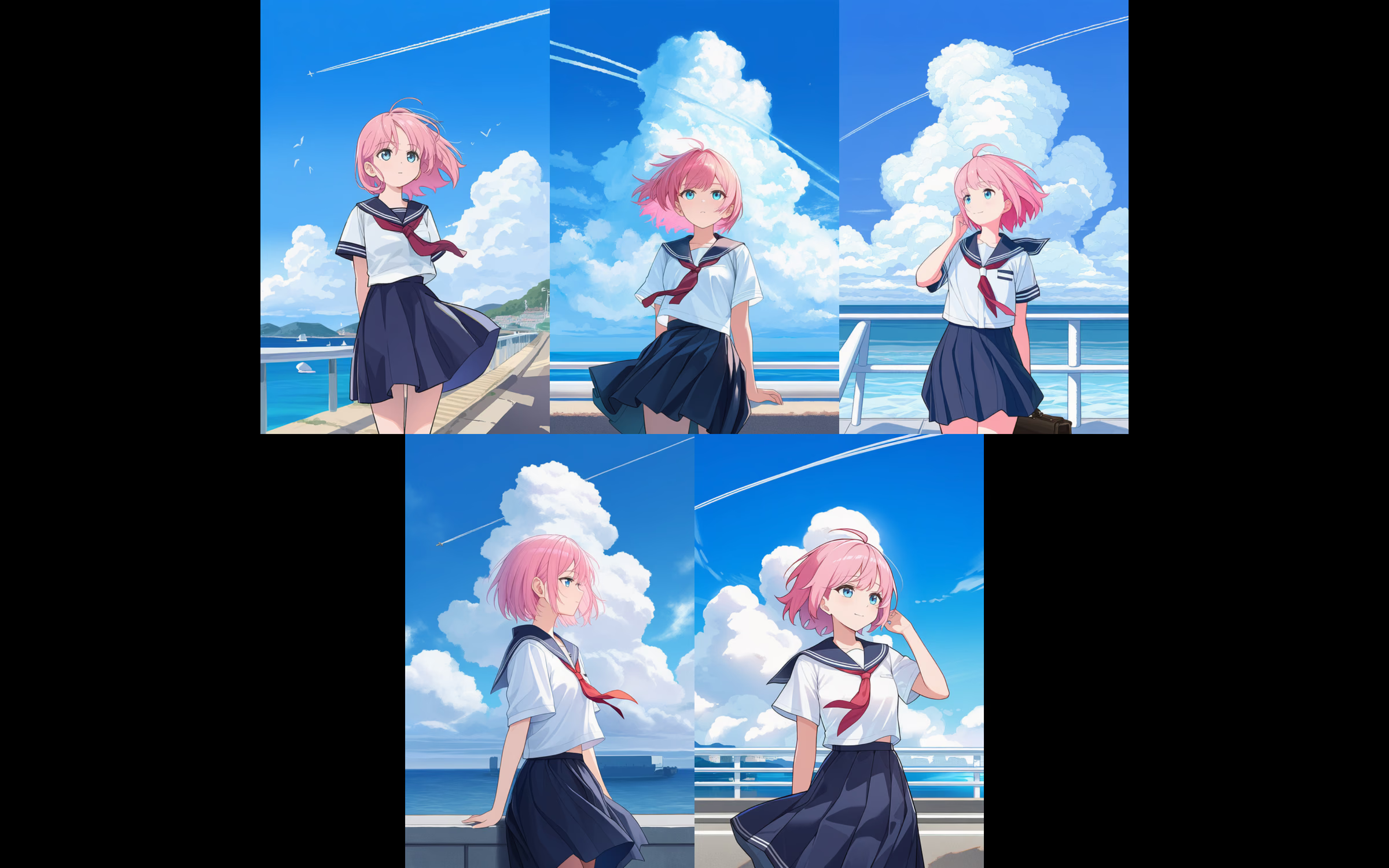
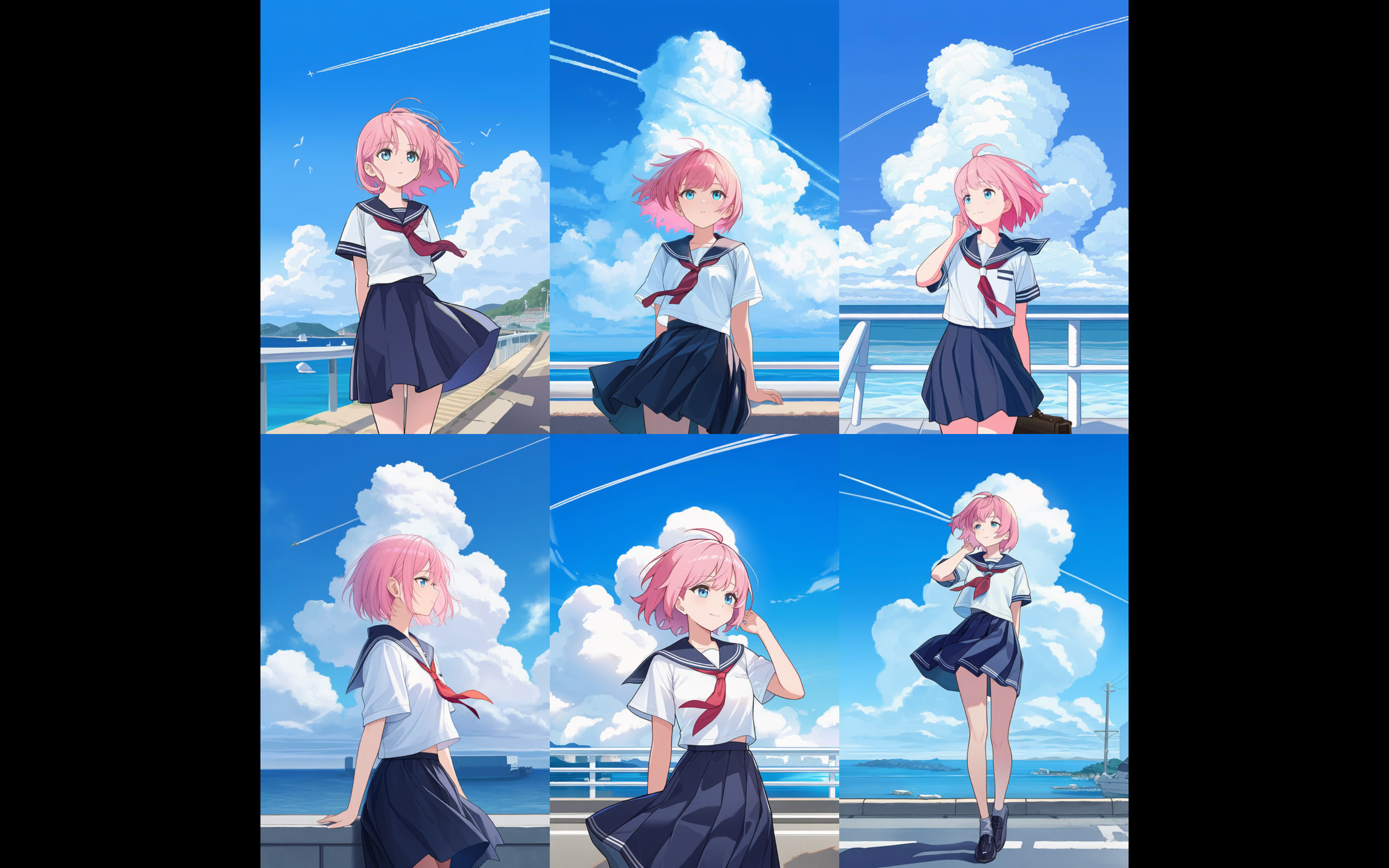
Filtered results play back as a slideshow you can browse at your own pace. Show anywhere from 1 to 6 images at once, and set your own interval between them. Similar compositions line up side by side for easy comparison.

Supported formats
NovelAIComfyUIAutomatic1111StableSwarmUI
Reads the prompt and parameter metadata each tool embeds in PNG files, and turns it into tags you can search.
Frequently asked questions
Where are my images stored after I add a folder?
Right where they already are. Nothing is copied or moved — Kujaku reads and indexes them in place. All it creates is a search index and a lightweight thumbnail cache.
Are my images ever sent to the cloud?
No. Filtering and previews happen entirely on this Mac. See the Privacy page for details.
Is there a Windows version?
No. Kujaku is available only for Apple Silicon Macs running macOS 26.0 or later.
Does it work with images generated outside NovelAI?
Yes. It also reads the PNG metadata that ComfyUI, Automatic1111, and StableSwarmUI embed.
Is it free?
Yes. All features in Kujaku v1 are free to use.
Free, on your Mac.
Download it, and start right away.
Download for free (.dmg)Kujaku-1.0.1.dmg
- Version
- 1.0.1
- Release date
- August 24, 2026
- File size
- 4.4 MB
- SHA-256 checksum
- cd13271f4127d5accf5d845e29f21b2b08a6327094e81b1ab130bc288fd01a8b
How to install
- Open the downloaded DMG file.
- Drag Kujaku into your Applications folder.
- Launch Kujaku from the Applications folder — run the copied app, not the one inside the DMG.